
Okta#
Integration Details |
|
Ingester |
Okta Configuration#
Okta System Log API#
To configure Okta for ingestion with the API you will need the following:
Domain: Your Okta account domain (e.g. myorg.okta.com).
API Token: A token generated from the Okta Admin Console. This should be created for a dedicated Read Only Admin service account, not a token from a user.
See the Okta documentation for instructions on generating an API token.
Creating an Okta Token#
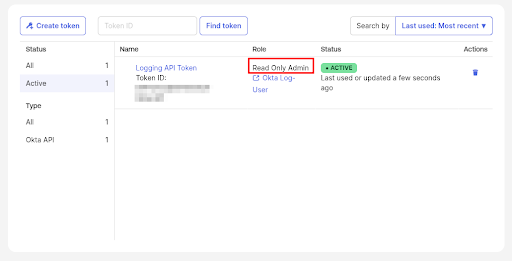
Start by creating a dedicated Okta Service Account for logging purposes (something like “Okta Log User”). This user should be assigned to the “Read Only Admin” role.
Attention
Do not use a token with write permissions to your Okta instance to the ingester. This gives significantly more access than is needed for monitoring.
Create an API token in the Okta Admin Console > Security > Api section.
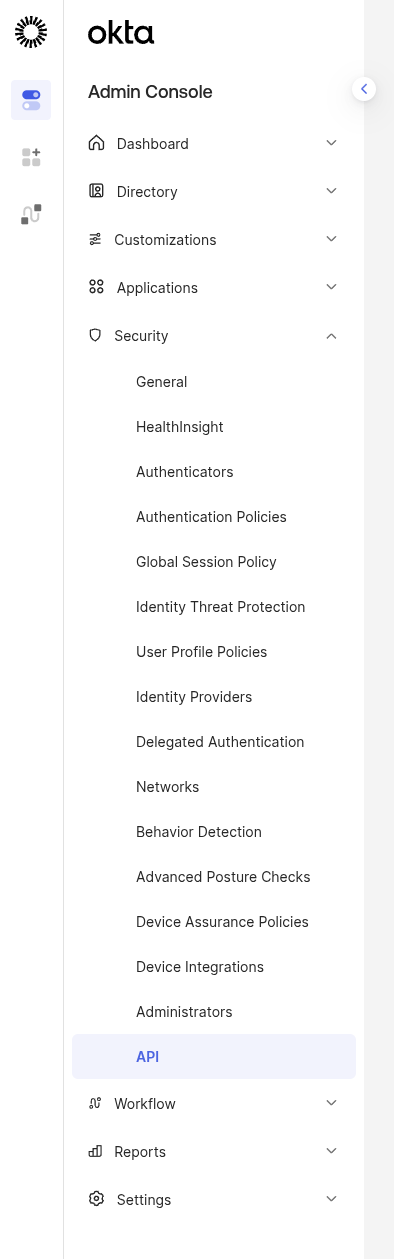
Create a new token.
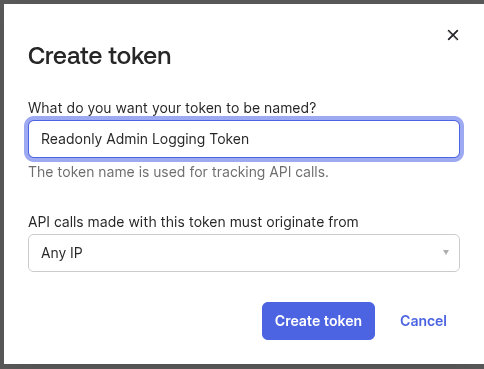
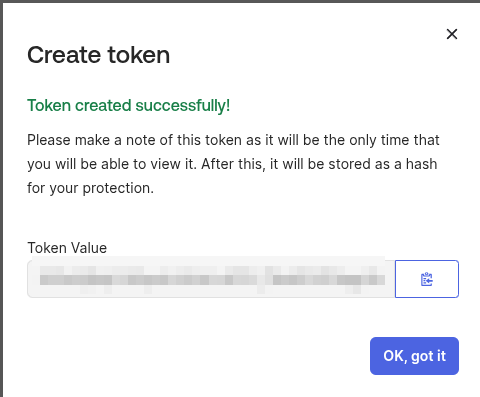
Make sure to copy the token value to use in setting up the ingester.
Double-check the role is “Read Only Admin” and that it is attached to a dedicated service account.
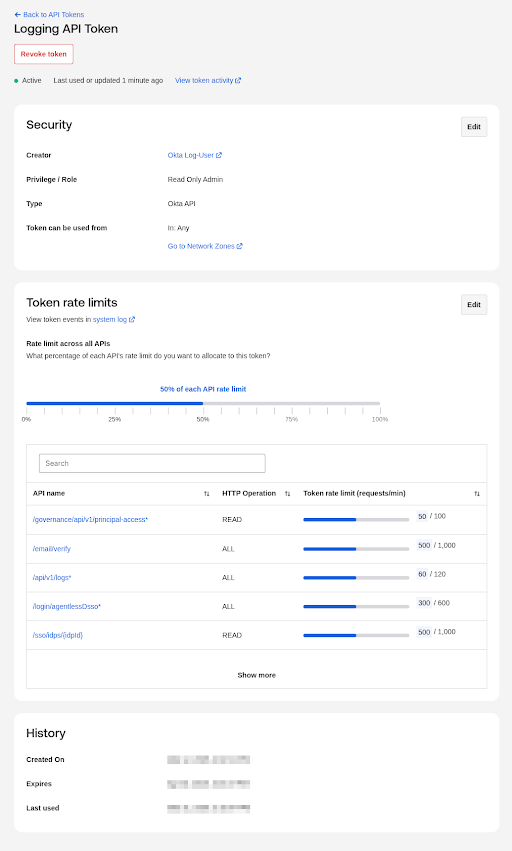
Token Rate Limits#
Okta is extremely sensitive to rate limits so double-check your token rate limits align to the Request-Per-Minute Config Parameter. The Ingester primarily hits the /api/v1/logs endpoint.
Gravwell Configuration#
Gravwell Storage Well Configuration#
Setup the well configuration in your Gravwell indexers.
Sample well config#
Create or edit: /opt/gravwell/etc/gravwell.conf.d/okta-well.conf
[Storage-Well "okta"]
    Location=/opt/gravwell/storage/okta
    Tags=okta*
Gravwell Ingester Configuration#
Sample Okta config: Okta Hosted Ingester#
If the Hosted Runner is not installed, follow the configuration guide for Okta to create your own configuration.
Edit: /opt/gravwell/etc/hosted_runner.conf
[Okta "myorg"]
    Ingester-UUID="99c00000-0000-0000-0000-000000000000"
    Domain="myorg.okta.com"
    Token="your-okta-api-token"
Sample Okta config: Rate limiting lowered for lower-tier Okta plans#
[Okta "myorg"]
    Ingester-UUID="99c00000-0000-0000-0000-000000000000"
    Domain="myorg.okta.com"
    Token="your-okta-api-token"
    Request-Per-Minute=10
    Request-Burst=5
    Request-Batch-Size=100
Note
Remember to restart the service to apply the new config:
sudo systemctl restart gravwell_hosted_runner.service